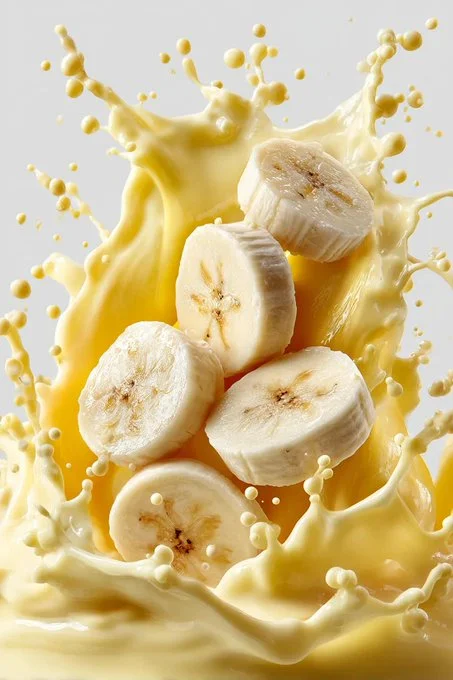
Wide macro splash photography

Google Gemini Nano Banana pro 3.0

Prompt

  "subject": {
    "primary": "Vibrant orange slices",
    "action": "Falling through the air toward rising milk",
    "secondary": "Thick, glossy white milk splash forming arcs and crown-like curves",
    "details": "Milk droplets frozen mid-air with creamy texture"
  },
  "environment": {
    "background": "Clean blue studio backdrop",
    "lighting": "Cinematic soft studio lighting with dramatic highlights and shadows"
  },
  "visual_style": {
    "genre": "Ultra-realistic commercial splash photography",
    "textures": "High-detail creamy milk and fresh citrus pulp",
    "motion": "Frozen action, high-speed capture",
    "depth_of_field": "Shallow depth of field"
  },
  "camera": {
    "lens": "85mm macro",
    "framing": "Wide composition",
    "focus": "Sharp focus on splash and fruit"
  },
  "composition": {
    "aspect_ratio": "3:4",
    "color_palette": ["Vibrant Orange", "Pure White", "Clean Blue"]
  },
  "quality": {
    "detail_level": "Ultra-high detail",
    "rendering": "Photorealistic"
  },
  "profile": "9ewnbdc"
}
Detected placeholders
["Vibrant Orange", "Pure White", "Clean Blue"]