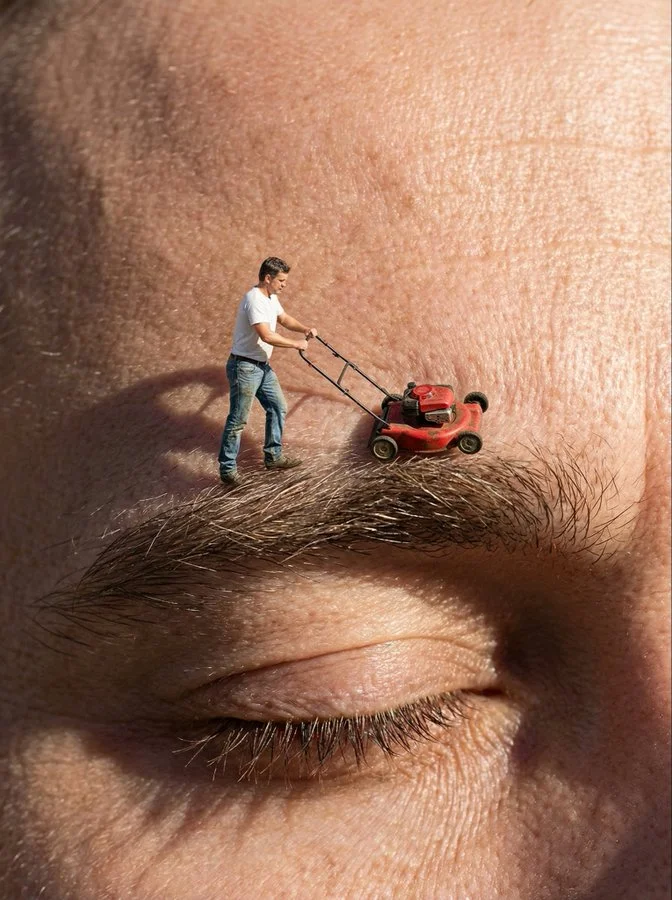
Trimming the eyebrows

{
 "subject": {
 "main_character": "A photorealistic, living miniature man (Lilliputian size), not a plastic figure",
 "attire": "Casual gardening clothes, blue jeans, white t-shirt",
 "equipment": "A tiny, realistic red push-lawnmower"
 },
 "action": "The man is pushing the lawnmower over a giant human eyebrow, trimming the long eyebrow hairs as if mowing a lawn",
 "setting": {
 "location": "Extreme close-up macro view of a human forehead and closed eye",
 "surface_details": "Giant-scale skin texture, visible pores, wrinkles, and coarse eyebrow hair"
 },
 "style": [
 "Surreal conceptual photography",
 "Hyper-realistic",
 "Macro photography",
 "Humorous",
 "High contrast",
 "Sharp focus"
 ],
 "technical_details": {
 "lighting": "Hard, direct lighting mimicking sunlight to create distinct shadows on the skin",
 "camera": "Macro lens, shallow depth of field, focus on the miniature man and the eyebrow",
 "resolution": "8k, ultra-detailed"
 }
}